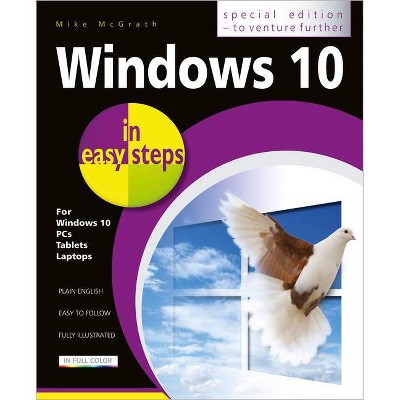
Windows 10 in Easy Steps - Special Edition - (In Easy Steps) 3rd Edition by Mike McGrath (Paperback)
Similar Products



Products of same category from the store
All







Product info
<p/><br></br><p><b> About the Book </b></p></br></br><strong>Windows 10 in easy steps - Special Edition, 3rd Edition</strong> builds on <strong>Windows 10 in easy steps</strong> and </strong>Windows 10 for Seniors in easy steps</strong>, taking the user to the next level. Written to help non-technical PC-users to make the most of their Windows 10 computer, all in the familiar <strong>In Easy Steps style</strong>.<p/><br></br><p><b> Book Synopsis </b></p></br></br><p><strong>Windows 10 in easy steps - Special Edition, 3rd Edition</strong> is a comprehensive, yet concise guide that will walk you through Windows 10 basics so that you can get up and running in no time. Then, <strong>in easy steps</strong>, it'll gently guide you through advanced features to help you venture further and get more from Windows 10.</p> <li>Install/upgrade the right Windows 10 release</li> <li>Master the new interface, desktop and the Start menu</li> <li>Learn to use the great new features in the latest update</li> <li>Find, download and use key apps for work and for fun</li> <li>Utilize internet and cloud facilities such as OneDrive</li> <li>Enjoy Microsoft Edge, the new innovative web browser</li> <li>Take control of devices and printers</li> <li>Save time - use the Search feature and Cortana</li> <li>Create and monitor a home network</li> <li>Organize and share files safely</li> <li>Keep Windows 10 working smoothly & efficiently</li> <li>Explore Windows Registry, file encryption, Windows PowerShell, and more</li> <p>This guide also includes a chapter on troubleshooting so it'll serve as a key reference point for the future.</p>
Price History
Price Archive shows prices from various stores, lets you see history and find the cheapest. There is no actual sale on the website. For all support, inquiry and suggestion messages communication@pricearchive.us